

Add Your Card to a Digital Wallet for Extra Security
You may know your card is secure in your wallet. But that doesn’t mean your information is protected from fraudsters. In fact, card fraud remains one of the most common types of fraud, according to the Federal Trade Commission.
Scammers use a wide range of tactics to access your card information and disrupt your finances. Fortunately, there is a powerful security tool already in your pocket and even on your wrist: your digital wallet.
What Is a Digital Wallet?
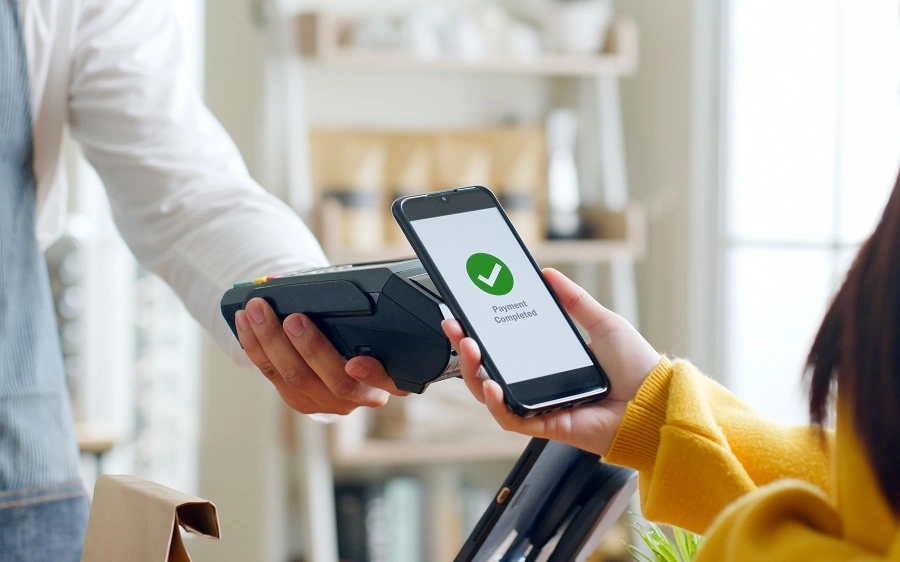
A digital wallet is a secure mobile app that stores your debit and credit card information safely on your smartphone or smartwatch. Instead of pulling out your physical card, you can tap your device to pay.
Digital wallets provide an added layer of security that helps protect your accounts from fraud while making everyday purchases faster and more convenient.
How Digital Wallets Help Prevent Fraud
Digital wallets enhance security and control by using tokenization, which replaces your actual card number with a unique, non usable token during transactions, and by requiring multi factor authentication such as fingerprint or facial recognition to approve purchases. They also provide real time purchase notifications so you can quickly detect any suspicious activity. Beyond these protections, digital wallets can improve financial awareness, with many users reporting greater visibility into their spending and increased confidence in managing their finances.
Add Your Card to Your Smartphone
Getting started takes just a few minutes.
Apple Wallet on iPhone
- Open the Wallet app.
- Tap the plus symbol in the upper right corner.
- Select Credit or Debit Card.
- Scan your card or enter the details manually.
- Complete the verification steps.
Once verified, your card is ready to use with Apple Pay. Double click the side button or Home button and authenticate to pay.
Google Wallet on Android
- Open the Google Wallet app or download it from the Play Store.
- Tap Add to Wallet and choose Payment card.
- Scan your card or enter the information manually.
- Complete verification steps.
After confirmation, unlock your phone and hold it near the payment terminal to complete your purchase.
Add Your Card to Your Smartwatch
You can also add your card to compatible smartwatches for even more convenience and security.
Apple Watch
- Open the Watch app on your iPhone.
- Tap Wallet and Apple Pay.
- Select Add Card.
- Follow the prompts to verify your card.
Once added, simply double click the side button on your Apple Watch and hold it near the payment terminal to pay.
Android Wear OS Smartwatches
- Open the Google Wallet app on your watch.
- Follow the instructions to add a payment card.
- Complete verification on your connected phone if required.
To pay, open Google Wallet on your watch and hold it near the terminal until you feel a vibration.
Using your smartwatch means you do not even need to take out your phone. It adds another layer of convenience while maintaining the same tokenized security protection.
A Smarter, Safer Way to Pay
Digital wallets make everyday purchases easier while providing stronger protection for your card information. Whether you use your phone or your smartwatch, you gain added security, real time alerts, and peace of mind.
If you need assistance adding your Andrews Federal debit or credit card to your digital wallet or smartwatch, visit your nearest branch or contact us. We are happy to help you activate this convenient safeguard.