



Committed to Protecting You
Security Center
Bank with confidence and protect yourself with our security resources
Fraud Tip of the Week
Spoofing Fraud Alert: Scam Phone Calls - A call or message looks like it’s from an official organization (the IRS, etc.) but scammers can “spoof” numbers to make them look real. Stop and think before responding to calls or sharing information.
Scam Education and Fraud Prevention
Learn how to spot scams and protect your money. Discover common fraud tactics, warning signs, and simple steps to stay safe from fake jobs, prizes, investments, and online scams.

Push Authorization
Enhance your account security with Push Authorization. When enabled, our digital banking app sends a secure approval request to your phone if an unrecognized device attempts access, letting you approve or deny login requests.

Report Lost or Stolen Card
If your card is missing, contact us immediately to block unauthorized transactions, safeguard your account, and issue a replacement card fast. For the quickest service, log in to Digital Banking or our Mobile App to report your card as lost or stolen.

Report Account Fraud
Send us a Secure Message through Digital Banking, and use the Card Management feature to instantly lock your Andrews Federal debit or credit card. You can turn it back on anytime once the issue is resolved.

Freeze My Card
Stop your card from being used if you’ve lost or misplaced it. Log in to Digital Banking and go to Card Services/Card Management, and toggle the Enable/Disable card option.

Set Up Alerts
Stay informed with real-time fraud alerts. Easily set up and manage your notifications in Digital Banking or through the Andrews Federal Mobile App to keep your accounts protected around the clock.

Dispute a Transaction
If you notice an unfamiliar or unexpected transaction on your account, please contact us right away—or log in to Digital Banking and click on the unrecognized transaction to begin your dispute. You can also call us at 800.527.7728 (U.S.) or 727.540.9434 (Outside the U.S.).
Report a Security Concern
If you receive a suspicious email, text, or call that appears to be from Andrews Federal, contact us immediately at phishreport@andrewsfcu.org. Your report helps us investigate and protect all members from potential fraud.

Set Up Phone Passcode
Add an extra layer of protection when conducting your banking by phone. Log into Digital Banking to set up your personal identity verification for added peace of mind. This quick setup ensures your information stays secure and your accounts remain protected from unauthorized access.

Review FICO Score
Boost your financial confidence by understanding your FICO® Score. Learn how your score is calculated and what factors can help you improve it over time. A stronger credit score can open doors to better rates, loan approvals, and financial opportunities.

Change Password
Change your username or password after confirming your identity to help keep your account secure. Regularly updating your login credentials adds an important layer of protection against unauthorized access. Make it a habit to change them often and stay one step ahead of potential threats.


Your Questions. Answered.
Frequently Asked Questions about Security
Find more information about protecting your accounts and information.
What should I do if I receive an invalid password attempt alert notification?
If you received a notification about a failed login attempt (invalid password) and you did not attempt to log in, you should immediately change your username and change your password.
How do I change my username?
You can change your login username through Digital Banking. To change your login username, you will need to verify your identity by providing some basic information. You can then choose a new username. To begin the process, please click here.
How do I change my password?
To change your login password, you will need to confirm your identity and complete the password update process. You can change your password through Digital Banking. To get started, please click here.
How do I set-up a security alert notification?
Log in to Digital Banking and go to 'Account Services', then go to 'Manage Alerts', and 'New Alert'.
The Andrews Connection
Explore helpful articles on The Andrews Connection, our central information hub for the latest news, blogs, events, and updates.
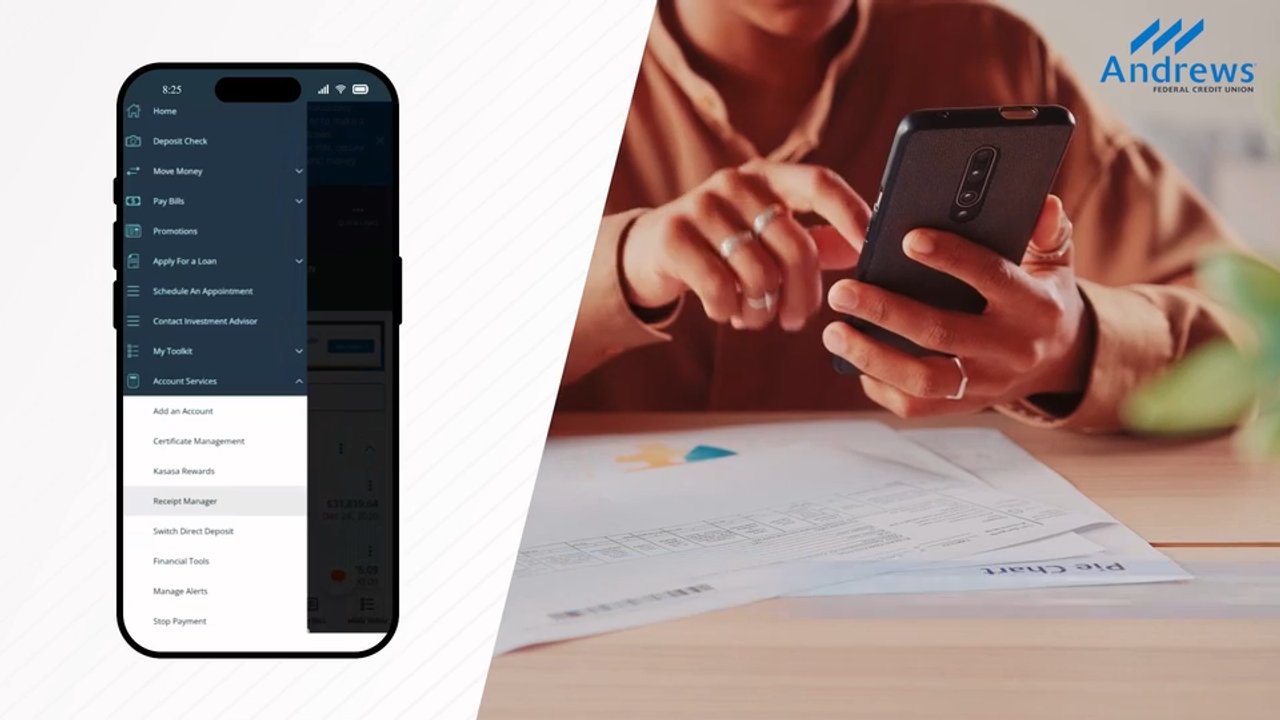
Banking and Digital Tools
Stay Organized and in Control with Receipt Manager
Madeline Myers
August 19, 2026

Fraud Prevention
Enabling Push Notifications for Stronger Security
Anthony Stone
July 31, 2026

Fraud Prevention
Beware of Common Summer Scams
Madeline Myers
July 13, 2026